The phone in your hands.
Your Controller Phone.
Play. Browse. Navigate. Control.
It stays with you.
Built around what matters
Your Android already has the screen, the performance, and the apps.
PlayerCast VR gives you a new way to experience them.
01
Start with the phone
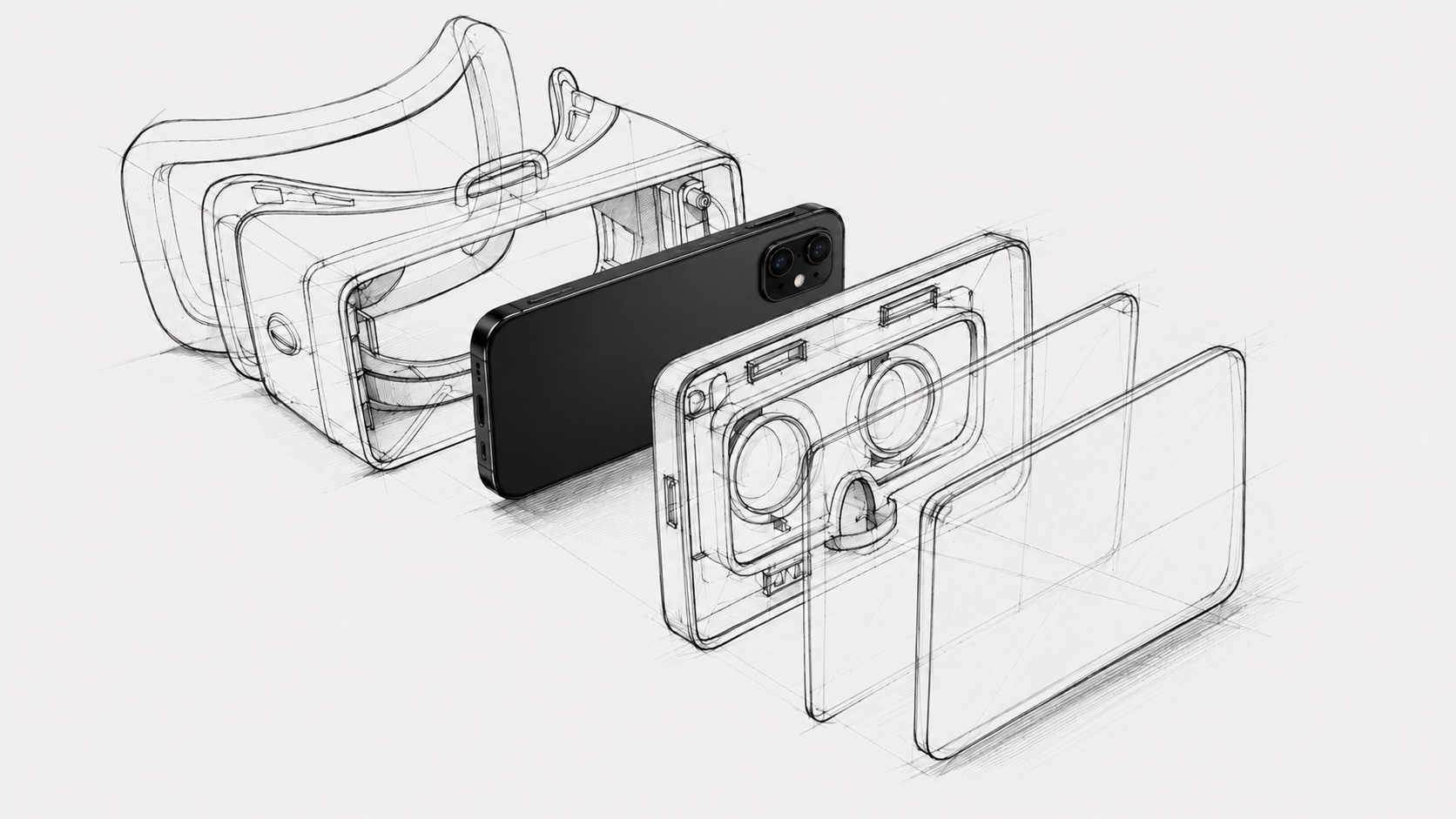
Your phone has the screen.
The performance.
The apps you already use.
A compatible VR Box gives you a new way to see them.
02
Two phones
The phone in your hands.
Play. Browse. Navigate. Control.
It stays with you.
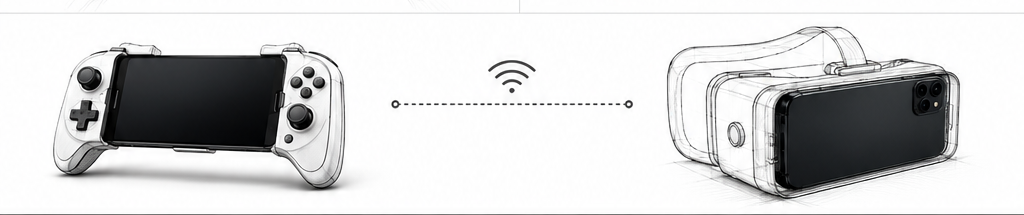
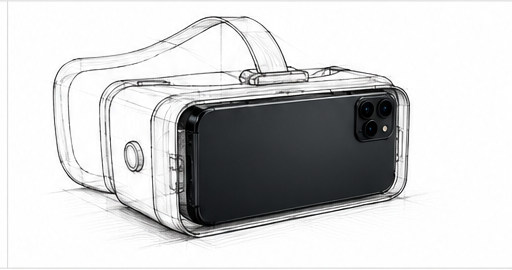
The phone in your VR Box.
It becomes your immersive, cinema-like screen.
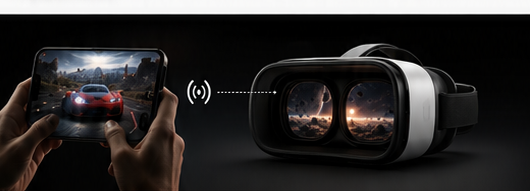
PlayerCast VR connects the two phones wirelessly in real time.
03
The connection
What happens on your Controller Phone is streamed to your Display Phone.
Wirelessly.
In real time.
The phone in your hands stays useful while the phone in your VR Box becomes your screen.
04
Step inside
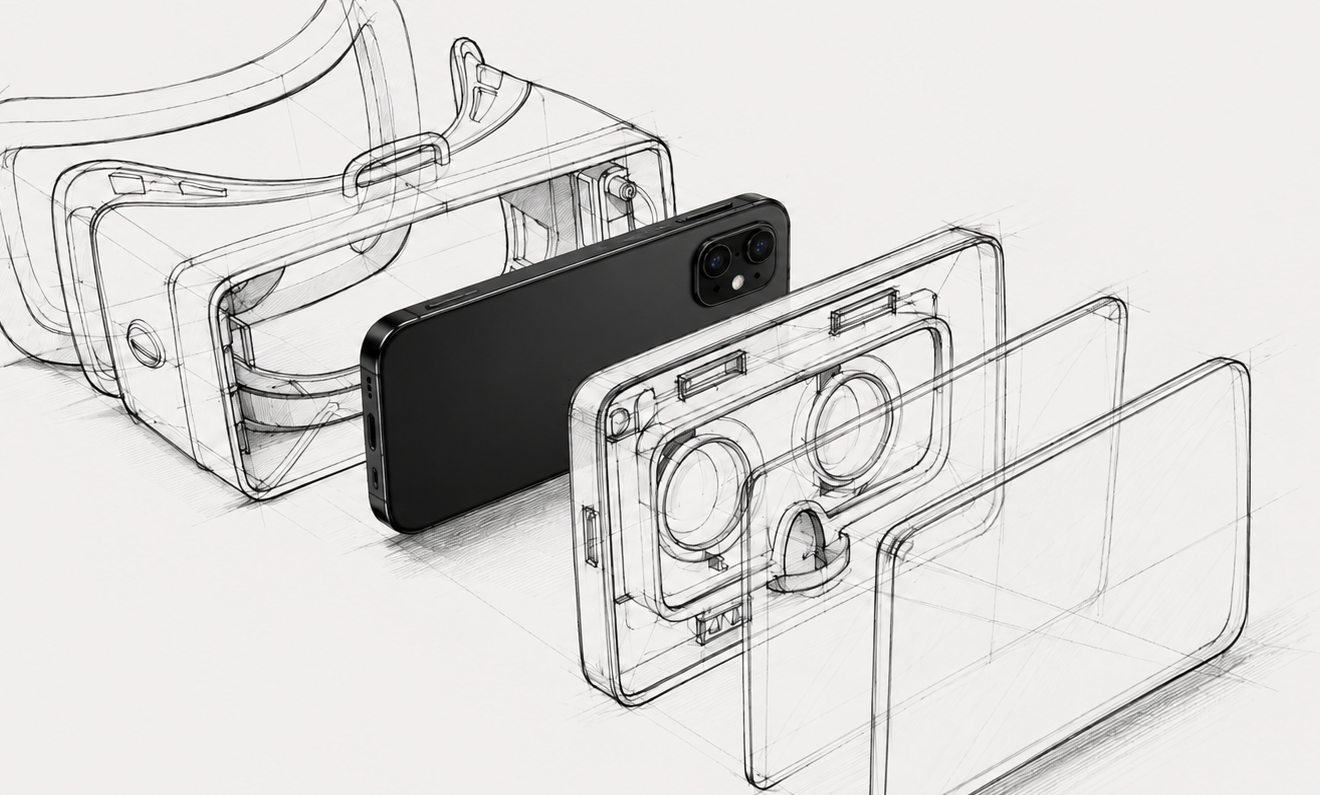
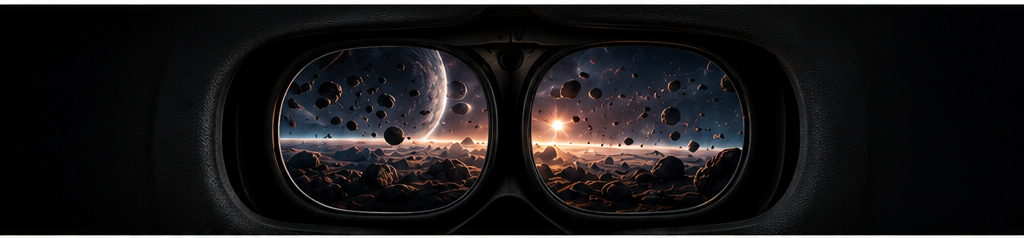
Your Display Phone sits inside the VR Box.
The lenses bring the screen into view.
PlayerCast turns it into a personal, immersive viewing experience.
05
Made for how you use Android
One setup. Different ways to use it.

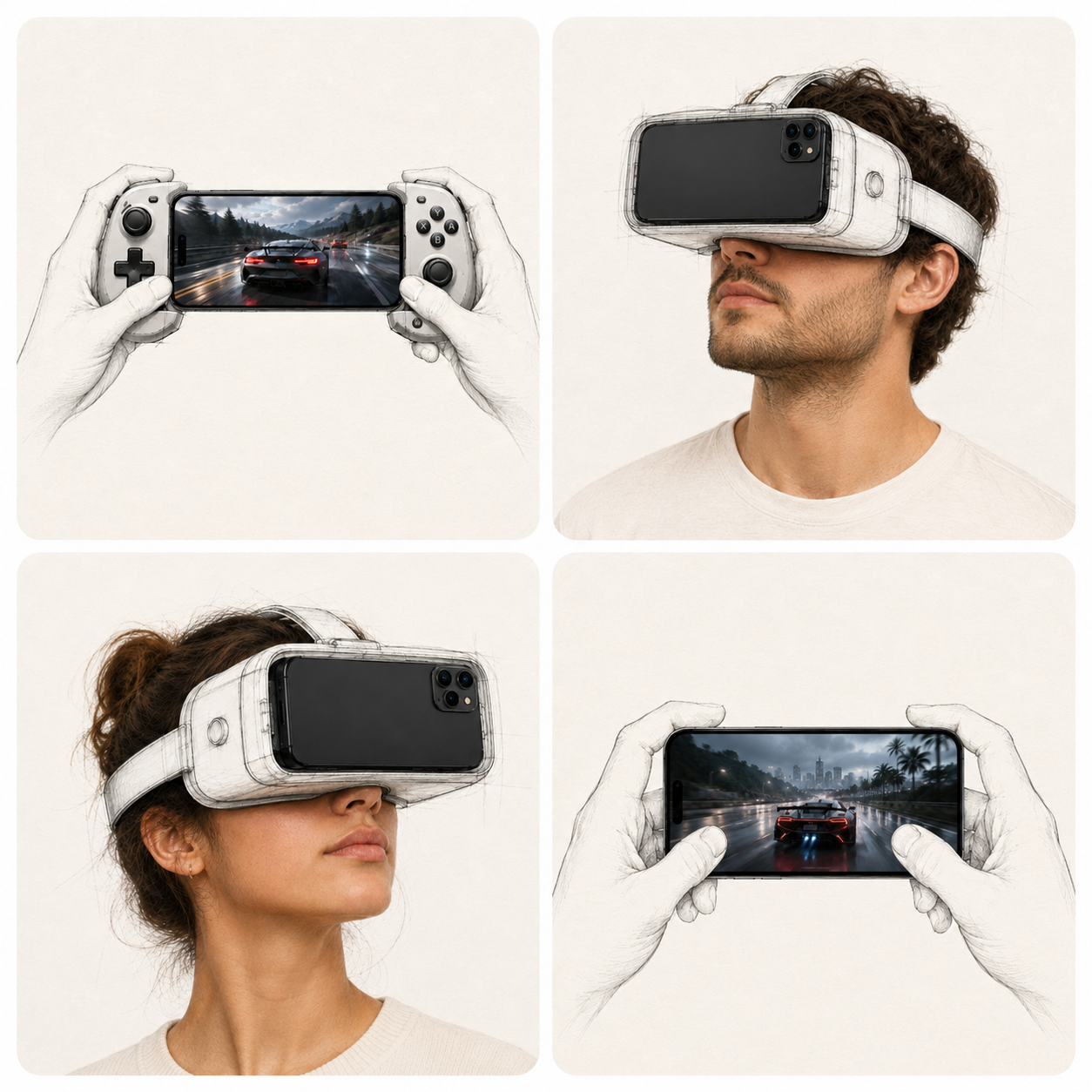
Use your Controller Phone for touch, compatible gamepads, or Bluetooth controllers.
Your Display Phone puts the experience in front of your eyes.
Play bigger.
Watch supported videos, shows, and streaming content in your personal viewing space.
Just your phones, your compatible VR Box, and PlayerCast VR.
Watch your way.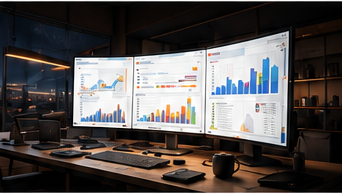
Browse, read, and use supported Android productivity apps.
Your Controller Phone stays in your hands while your Display Phone becomes your personal screen.
Work with fewer distractions.06
PlayerCast VR
PlayerCast VR is built for two compatible Android phones and a compatible VR Box.
A clear, smooth real-time streaming experience.
Connect your phones over Wi-Fi Direct or LAN.
Use touch, compatible gamepads, and Bluetooth controllers from the phone in your hands.
Move between supported apps, games, media, browsing, and more instead of being confined to a single-purpose VR player.
PlayerCast runs between the devices you control.
How PlayerCast VR works
One will stay with you. The other will become your Display Phone.
PlayerCast creates the local wireless connection between the two devices.
The phone becomes the screen you experience through the viewer.
Play, watch, browse, work, and navigate from your Controller Phone.
From the Lab
PlayerCast continues to explore new display ideas, interaction models, and ways to extend the devices people already own.
Experiments, concepts, engineering stories, and future directions live in the PlayerCast Blog.
Read from the LabWhy PlayerCast exists
Phones have become powerful computers, displays, media players, game devices, and everyday tools.
PlayerCast explores what becomes possible when those devices are given a new display role.
When the experience ends, your phone is still your phone.
PlayerCast is built by JoPa Labs Studio .
Compatibility
PlayerCast displays supported screen content from compatible devices. Some apps, games, websites, media, or protected content may restrict screen capture, casting, recording, or external display behavior. Performance can vary by device, operating system, wireless conditions, thermals, and content rules.
PlayerCast VR
One stays in your hands.
One goes in your VR Box.
PlayerCast VR connects them.
VR, designed around your phone.
FAQ
PlayerCast is an immersive display platform built around the devices you already use. PlayerCast VR connects compatible Android phones, while PlayerCast PC extends the experience to compatible Windows PCs and laptops.
PlayerCast VR connects two compatible Android phones wirelessly. One phone stays in your hands as the Controller Phone. The other becomes the Display Phone inside a compatible VR Box.
The two phones have different jobs. The phone in your hands is the Controller Phone. The phone inside the VR Box is the Display Phone.
It is the phone you keep in your hands. You use it to play, browse, navigate, control supported apps, and interact with the experience.
It is the Android phone placed inside the compatible VR Box. It receives the streamed screen and becomes your immersive, cinema-like display.
Yes. PlayerCast VR viewing requires a compatible phone-based VR Box-style viewer for the Display Phone.
No. PlayerCast VR is designed around a local connection between your compatible devices.
Compatibility varies. Some apps, games, websites, media, or protected content can restrict screen capture, casting, recording, or external display behavior.
PlayerCast PC extends the display concept to Windows. A compatible Windows PC or laptop acts as the source while an Android phone becomes the immersive Display Phone.
Future concepts, experiments, engineering stories, and development directions are shared through the PlayerCast Blog.
PlayerCast is built by JoPa Labs Studio, the independent product studio behind PlayerCast.