Start from your Windows PC or laptop.
Use a compatible Windows device as the source for supported games, apps, media, documents, and other screen content.
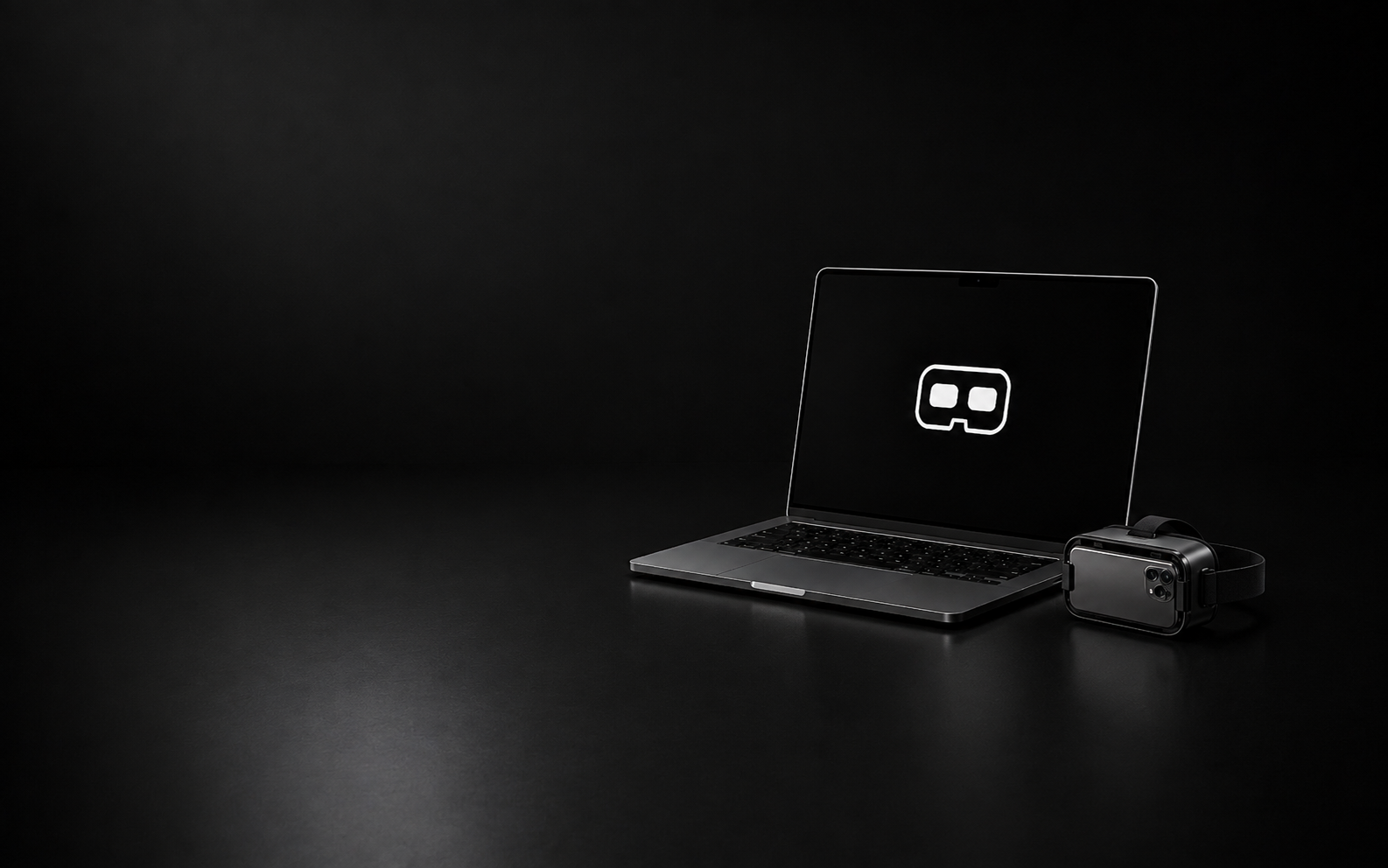
How PlayerCast PC works
PlayerCast PC creates a local display path between a compatible Windows device and an Android Display Phone.
Use a compatible Windows device as the source for supported games, apps, media, documents, and other screen content.
PlayerCast creates the supported local display path between the Windows source and your Android Display Phone.
The Android phone becomes your VR-style display inside a compatible phone-based viewer.
PlayerCast PC experiences
Bring supported Windows games, media, apps, and workflows into a more private, immersive viewing setup.
View supported Windows games through your Android Display Phone for a bigger-feeling personal gaming setup.
View supported videos, local media, and compatible Windows screen content through your VR-style Display Phone.
Use compatible tools, documents, interfaces, and everyday Windows screen content in a different display context.
Give supported Windows productivity content a personal large-screen-style viewing space through your Android Display Phone.
What you need
PlayerCast PC is built around compatible devices working together through a supported local display path.
A compatible Windows device runs PlayerCast PC and acts as the source for supported screen content.
A compatible Android phone receives the PlayerCast display and becomes your VR-style screen.
Place the Android Display Phone inside a compatible phone-based VR Box-style viewer for the immersive viewing experience.
PlayerCast PC connects the Windows source device and Android Display Phone through a supported nearby-device display path.
PlayerCast PC displays supported screen content from compatible Windows devices. App and game behavior, protected content, capture support, graphics and encoder capability, wireless quality, device thermals, Android Display quality, and operating system behavior may affect the final experience.
PlayerCast PC FAQ
PlayerCast PC uses a compatible Windows PC or laptop as the source device while an Android phone becomes the VR-style Display Phone.
You need a compatible Windows PC or laptop, a compatible Android Display Phone, and a compatible VR Box-style phone viewer for the immersive viewing setup.
Yes. The Windows device acts as the source, while a compatible Android phone becomes the Display Phone.
Yes. The Android Display Phone needs a compatible phone-based VR Box-style viewer for the VR-style viewing experience.
PlayerCast PC is designed around a supported local display path between the Windows source device and Android Display Phone.
Compatibility varies. Some apps, games, websites, media, secure windows, and protected content may restrict capture, casting, recording, mirroring, or external display behavior.
PlayerCast PC uses a compatible Windows PC or laptop as the source device. PlayerCast VR uses an Android phone as the source. Both use an Android phone as the immersive Display Phone.
PlayerCast PC is built by JoPa Labs Studio, the independent product studio behind PlayerCast.
PlayerCast PC
Use a compatible Windows PC or laptop as the source and an Android phone as your VR-style Display Phone.