Keep your Controller Phone in your hands.
Use a compatible Android phone to play, browse, navigate, control supported apps, and choose what you want to experience.
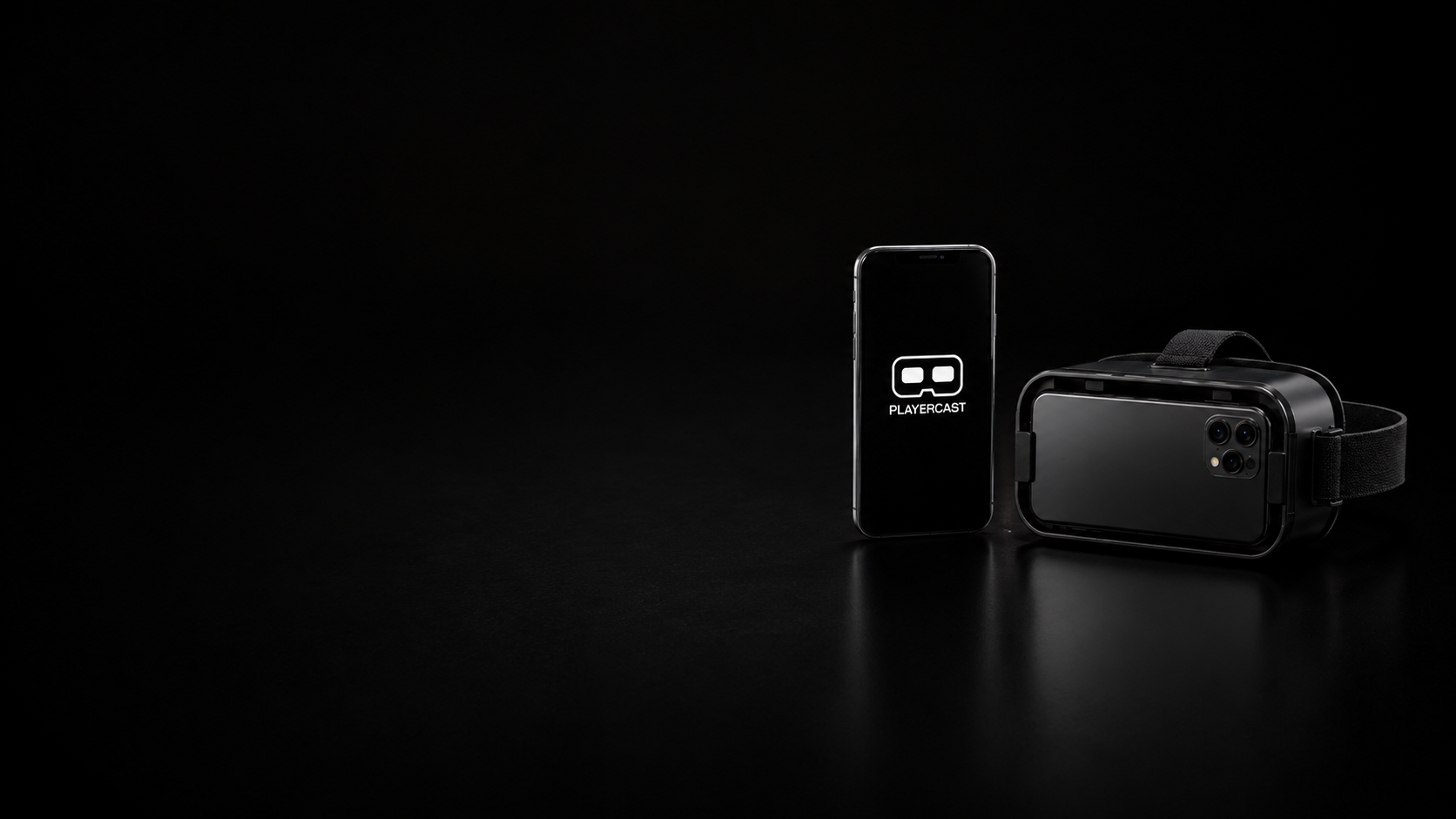
How PlayerCast VR works
PlayerCast VR gives each Android phone one simple role.
Use a compatible Android phone to play, browse, navigate, control supported apps, and choose what you want to experience.
PlayerCast VR connects the devices through a supported local connection such as Wi-Fi Direct or LAN.
The second compatible Android phone becomes your immersive Display Phone inside a compatible VR Box-style viewer.
PlayerCast VR experiences
Stay in Android and move between supported games, media, browsing, apps, and everyday content.
Watch supported movies, shows, streams, and local media in a larger personal viewing space.
Use touch or pair a compatible Bluetooth controller with the Controller Phone while the Display Phone remains inside the viewer.
View compatible websites, feeds, images, and browser content through your PlayerCast Display.
Use compatible Android tools, media apps, productivity experiences, and other supported screen content.
The technology
PlayerCast VR combines local connectivity with a high-resolution Display path for smooth, responsive personal viewing.
Clear, smooth real-time streaming for supported content on compatible devices.
Connect compatible nearby Android phones directly through a supported local wireless path.
Use a supported local network to connect your Controller Phone and Display Phone.
PlayerCast VR sends the experience between your devices locally rather than relying on cloud game or video streaming.
PlayerCast VR displays supported screen content from compatible Android devices. Device capability, Android version, wireless performance, thermal conditions, viewer fit, app behavior, and protected-content restrictions may affect the final experience.
PlayerCast VR FAQ
PlayerCast VR connects two compatible Android phones wirelessly. One stays in your hands as the Controller Phone. The other becomes the Display Phone inside a compatible VR Box-style viewer.
Yes. One compatible Android phone acts as the Controller Phone and another compatible Android phone acts as the Display Phone.
Yes. The immersive PlayerCast VR viewing setup requires a compatible phone-based VR Box-style viewer for the Display Phone.
PlayerCast VR supports local connection paths including Wi-Fi Direct and LAN.
Yes, a compatible Bluetooth controller can be paired with the Controller Phone for supported games and apps.
Compatibility varies. Some apps, games, websites, media, or protected content may restrict screen capture, casting, recording, or external display behavior.
Yes. PlayerCast VR is available on Google Play. Device compatibility, connection behavior, and supported content may vary.
PlayerCast VR is built by JoPa Labs Studio, the independent product studio behind PlayerCast.
PlayerCast VR
Keep one phone in your hands. Place the other inside your compatible VR Box. PlayerCast VR connects them.